

When you run a tutoring agency, the lesson itself is the product. The software it runs on either helps or gets in the way. A clunky classroom loses the first five minutes of every session to setup. A confusing join link turns a nervous first lesson into a support ticket. I have felt all of that, and the platform we chose is a big part of why our families stay. This is an honest account of two things. Why Pencil Spaces is the best tutoring platform for an agency like ours, and exactly how we use it.
On this page
Why the platform matters for an agency
The benefits of Pencil Spaces
How Greenhill Academics uses Pencil Spaces
What a first lesson looks like
How families join a lesson
Growing without losing the personal touch
Frequently asked questions
The short version
Pencil Spaces gives each lesson a shared interactive whiteboard and a one-click join link. For an agency, that means less friction, happier families, and a classroom that scales cleanly as you grow.
See the platform we teach on
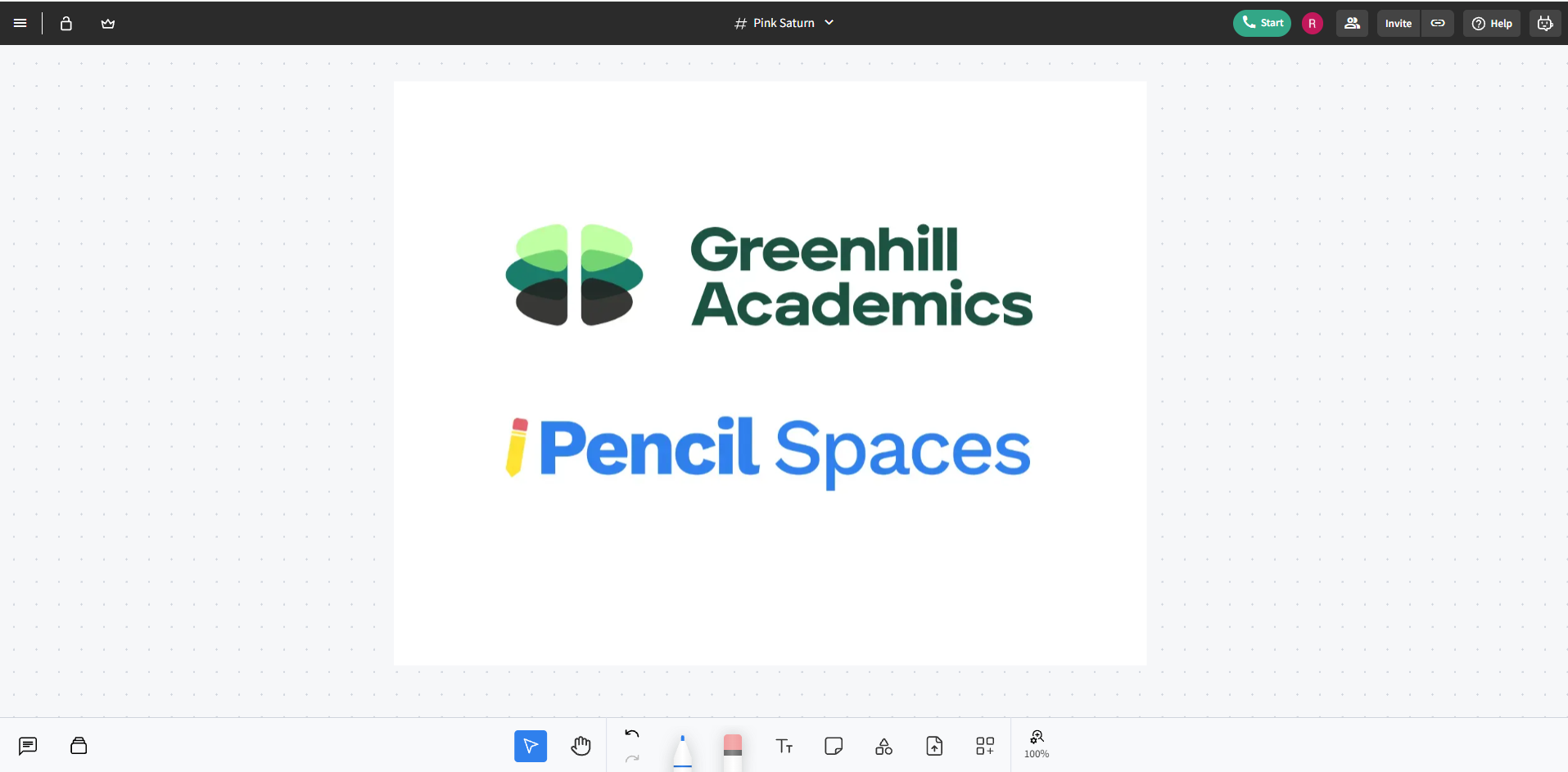
Pencil Spaces is the interactive classroom behind every one of our lessons
Why the platform matters for an agency
A single tutor working with a handful of students can get away with almost any setup. An agency cannot. When you are coordinating dozens of tutors and hundreds of lessons a month, every small disruption multiplies. As a result, the wrong platform becomes a real cost. It loses time at the start of each session, or confuses a parent on day one, across the whole operation.
So the choice of classroom software is not a minor technical detail. In practice, it shapes how every lesson feels and how much of our team’s time goes on solving avoidable problems. We wanted the best tutoring platform we could find because the platform is where the teaching actually happens. After testing the options, Pencil Spaces is the one we built our process around.
The benefits of Pencil Spaces
Pencil Spaces is the best tutoring platform for our needs for a few clear reasons. Each one matters in every single lesson. You can read more about the software itself on the Pencil Spaces website. Here is what stands out from the inside of an agency.
An interactive shared whiteboard
The heart of the platform is a whiteboard that a tutor and student share in real time. For example, a maths tutor can work through a problem line by line while the student takes the pen and tries the next step. A chemistry tutor can sketch a mechanism, and the student can annotate it. Because everything stays on the page, the tutor can scroll back to a moment earlier in the lesson and show exactly where the confusion began. That is far harder over a plain video call.
A one-click join with nothing to install
Families receive an email with a direct link to the lesson. They click it, and they are in the classroom. There is no software to download, no account to create, and no login to remember. For a parent setting up their child’s first session, that simplicity is the difference between a calm start and a stressful one. As a result, our team spends far less time troubleshooting and far more time on teaching.
Why Pencil Spaces is the best tutoring platform for teaching
A good lesson is active. The student writes, tries things, and gets corrected in the moment, rather than watching someone talk for an hour. Pencil Spaces is built around that, with tools that let a tutor and student work side by side. In practice, the room keeps the student doing the work, which is exactly where the learning happens.
A quick look at the platform our tutors teach on.
Want to see the classroom for yourself?
We will match your child with an expert tutor and walk you through exactly how a lesson runs on the platform.
How Greenhill Academics uses Pencil Spaces
Choosing the best tutoring platform is only useful if you build a clean process around it. Therefore, we have spent years refining ours. A family goes from booking to a confident first lesson with very little effort on their part. Here is how the pieces fit together.
We set up the technology for you
We do the technical work so families do not have to. Specifically, we get each family set up on Pencil Spaces and send the welcome emails that carry everything they need. All a parent has to do is ensure that the emails arrive and confirm they can reach the classroom. Nothing else is required before the first lesson.
A WhatsApp group for instant support
In addition, every family gets a private WhatsApp or WeChat group, set up by us, where they reach our lesson coordinators directly. All bookings and any adjustments happen there. When lessons are booked, we screenshot the current lesson calendar into the chat so everyone can see the schedule at a glance. If a parent ever spots an error, one message fixes it, usually in under five minutes during business hours.
Reminder emails before every lesson
Families receive two reminder emails before each session, one two days ahead and one an hour before. Each email carries a direct link to join the classroom. There is nothing to search for and no separate app to open. For the first lesson, we ask families to join about ten minutes early. That gives us time to sort out any initial technical questions before teaching starts.
What a first lesson looks like
A first lesson can go one of two ways, depending on what a family needs. If your child has a clear goal, the tutor targets it from the start. If you are after more general support, the first session is a relaxed, exploratory lesson that finds the right starting point. Either way, your child should engage with high-level teaching while keeping the enjoyment of learning and finish the hour with a smile.
The more you tell us beforehand, the better that first lesson is. When you share your child’s level, the topics they find tricky, and any resources they use, we pass all of it to the tutor. As a result, the tutor arrives prepared, and the time together is well spent from the first minute. After the lesson, we check in with you to talk through how it went and adjust anything that needs adjusting.
How families join a lesson
Joining a lesson is meant to be effortless, and on Pencil Spaces it is. When the lesson is due, your child opens the link from the reminder email and lands straight in the virtual classroom. There is no waiting room to navigate and no code to type. For a child who is already a little nervous before a first session, that smoothness matters more than it sounds.
If anything ever goes wrong, our team is on hand to help through the same WhatsApp group. That combination, a simple join link plus a coordinator a message away, is why technical problems almost never reach the lesson itself. The teaching starts on time, which is the whole point.
Growing without losing the personal touch
The hardest thing about growing an agency is keeping it personal. As you take on more tutors and more families, the danger is that service slips and lessons start to feel like a production line. However, the right platform protects against that because it removes the setbacks that would otherwise eat into the care you give each family.
This is the reason Pencil Spaces has mattered so much to us. It lets a small team run a large number of high-quality lessons without the experience degrading. Our coordinators spend their time on people rather than technical fires, and our tutors spend the whole hour teaching. That is how we have grown while keeping the personal feel that families come to us for in the first place.
See how a lesson runs for your child
Perhaps you want your child learning on a platform built for real teaching, with an expert tutor and a team that handles the rest. We would love to help. Reach out and we will match them with a specialist tutor and show you exactly how it works.
Tutoring on the best platform, with the right tutor
EXPERT TEACHING, A SEAMLESS CLASSROOM
Our Oxbridge-educated tutors teach on a shared interactive whiteboard, with a one-click join and a coordinator a message away. No friction, just focused progress from lesson one.
Worth reading next
If this was useful, these guides go further on how we work: a full walkthrough of what happens after you book your first lesson, our four-step maths tutoring method, and a real one-to-one GCSE maths turnaround.
Frequently asked questions
